Tool access
Where to Use a CNC Router
Updated June 11, 2026
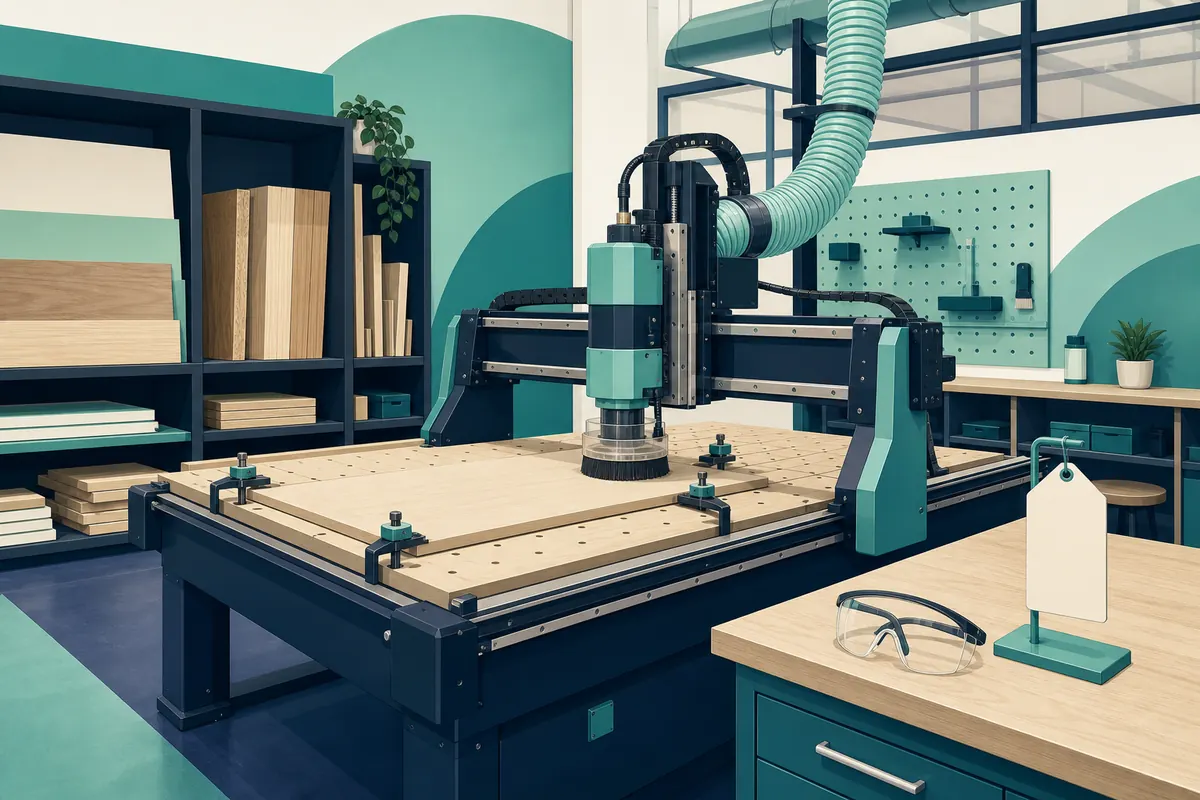
CNC routers are the hardest common maker tool to get casual access to — they're big, loud, and unforgiving of mistakes, so shops gate them behind real training. That's good news once you're trained: you'll have skills most hobbyists never get. Here's the path.
Who actually has CNC routers you can use
- Makerspaces and shared woodshops — the main source of full-sheet (4×8') CNC access. Expect mandatory multi-session training covering CAM software, tooling, feeds and speeds, and workholding before you run anything solo.
- Community college programs — cabinetmaking, machining, and advanced manufacturing courses include CNC instruction that's far more thorough than a makerspace checkout. The machines are often industrial-grade. See college fab labs.
- Sign and cabinet shops — some local shops sell machine time or will cut your files. No training value, but for a one-off job it's faster than getting certified anywhere.
The training pipeline is the real cost
Membership prices are easy to compare; the training calendar is what actually controls your project timeline. CNC checkouts are commonly 2–3 sessions and offered monthly — meaning the realistic time from joining to first solo cut can be 4–8 weeks. Ask three questions on the tour: When is the next CNC class? How many people are waiting? Can I watch a member run a job before I join?
The workflow you'll need to learn
Unlike a laser, the design file is only half the job. You'll learn CAD (the shape), CAM (the toolpaths — what bit, what depth, what speed), and machine setup (workholding, zeroing, tool changes). Most shared shops standardize on a CAM tool like VCarve or Fusion 360; learn whatever your shop uses, because that's what the people who can help you know. The Maker Guide's CNC section is good machine-and-software background reading.
Desktop CNC: when ownership beats access
Full-sheet CNC stays shared — the machine alone needs a garage bay. But if your work fits in roughly a 12–40" envelope (signs, inlays, guitar bodies, panels, PCBs, engraving), desktop machines changed the math. A FoxAlien desktop CNC costs less than a year of many memberships and runs in a garage. The trade: you become the trainer, the maintenance department, and the dust collection system. A common best-of-both path: get trained at a shared shop, then buy a desktop machine once you know what you're doing — you'll buy the right machine instead of the shiniest one.
Material and cost notes
| Item | Typical range |
|---|---|
| Makerspace membership w/ CNC | $75–$250/mo |
| CNC certification class | $50–$300 one-time |
| Machine time (where metered) | $10–$60/hr |
| Desktop CNC ownership | $400–$2,500 + bits and accessories |
Frequently asked questions
Can a beginner use a makerspace CNC router?
Yes — that's exactly what the required training is for. Expect a few weeks from joining to solo access, and bring a simple first project (a sign or tray, not a 12-part dining table).
CNC router vs. laser cutter — which do I actually need?
Lasers cut flat, thin material with engraved detail; routers carve thicker stock, do 3D relief, and handle full plywood sheets. For boxes, signs, and ornaments under ~6mm, start with the laser — access is easier and training is shorter.
Is a desktop CNC like a FoxAlien good for a beginner?
A desktop machine such as a FoxAlien is a reasonable first CNC if your projects fit its bed and you're willing to learn CAM on your own (the online communities are strong). If you can take a shared-shop class first, do it — you'll make your beginner mistakes on someone else's machine.
What software do I need to learn?
One CAD/CAM toolchain. Shared shops usually standardize on VCarve or Fusion 360; desktop machines commonly use Easel, Carbide Create, or Fusion 360. Learn whatever the people around you use — help matters more than features.